
By, The Curator
Last week I talked about how to figure out what type of content to post and why it needs to look unified. Solid content is only half of creating an effective social media presence though. The other half is making a professional looking profile because that is what your audience sees when they first land on your page. Also, I’ve been using Instagram for my examples, but the general idea of these lessons is applicable to all media platforms. There are just slight differences since each platform has different functions. I cover what each social media platform is most ideal for in Episode 31.
Why Your Profile Matters
As I just mentioned, your profile is the first thing that people see when they land on your page. If it looks confusing, jumbled, or unprofessional then there is a higher chance they will be scared away. It’s so easy to make your bio look clean and simple, yet so many people don’t. I’m going to break it down into different parts.
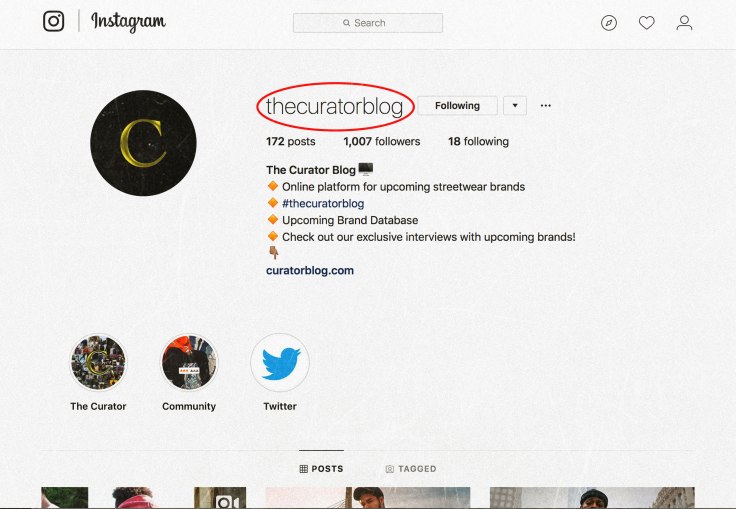
Username
This is clearly one of the most important parts. Your username needs to be clear, easy to read, and relatively short. It also needs to line up with your branding on other platforms. In an ideal world The Curator’s username would be @thecuratorblog across all platforms and it’s website URL would be thecuratorblog.com. Unfortunately the curator is also a fairly generic name, so I’ve had to go with curatorblog.com, @thecuratorblog for Instagram, and @thecurator_blog for Twitter. My point being, you want to aim to keep your username the same across all platforms.
Length wise, you want something on the shorter side so that it is readable and easy to type. A name like @thecuratorblogdotcomstreetwearblogwtf is clearly way harder to both read and type than @thecuratorblog is. Keep it short and straight to the point.

Profile Picture
Keep your profile picture simple and readable. I’d recommend just using your brands logo because that’s good branding. If you decide to use something else, just make sure it is related to your brand and serves a purpose. Nothing random like a picture of the Eiffel Tower. I think this part is pretty straight forward, but if you have any questions about profile pictures, shoot away.
Bio
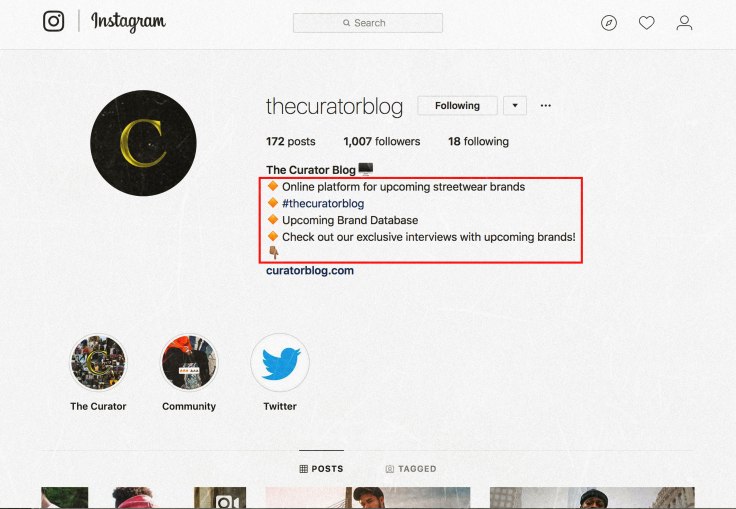
Having a great bio is key. You have to look at it from a graphic design perspective. You have a limited amount of space and characters to use. You also don’t want it to be too word heavy because then no one will read it that closely. For The Curator I chose 3 simple lines that describe the brand right now:
-#thecuratorblog for features
-Online platform for upcoming streetwear brands
-Click the link below to be notified when we launch this Summer!
The goal of the first line is to start building a community with that hashtag. That line is only temporary though. The goal of the second line is to describe what The Curator is. Why would someone be interested in your brand if they can’t even figure out what it’s point is? The third line is what’s called a call to action. In this case the call to action is getting people to click the link which will take them to an email notification sign up form. The form is a different type of marketing that I can go over another time. Right now my bio is geared towards hooking interest in The Curators Instagram page because I’m currently building an audience. However, once I start rolling out the actual website and business aspect of it, the bio will be changed to reflect that. It will be more focused on promoting the site and the websites content. Figure out what information about your brand is necessary for people to know, simplify it into short one liners, and then throw it in your bio. Using basic emojis as bullet points to start each line is a good idea as well.
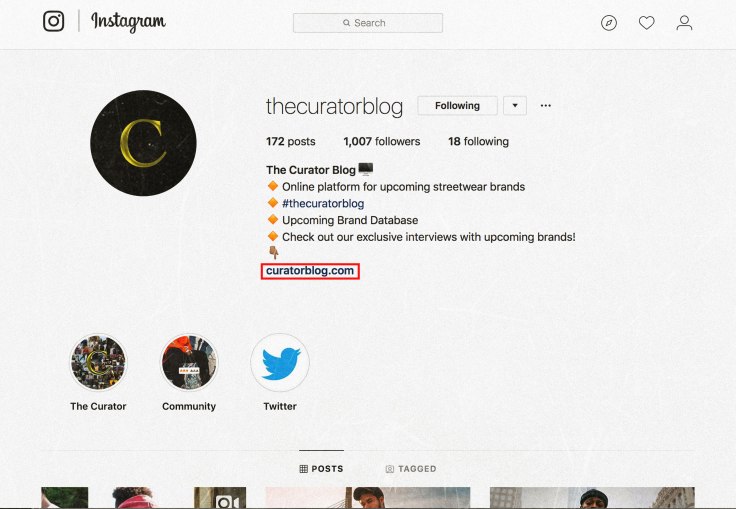
Link
This is pretty straightforward too. Throw the link to your website, Facebook group, Kickstarter campaign, etc. into the link section of your bio as well. Choosing what the link should be is less about social media marketing and more about what aspect of your brand you are trying to market at the time. For example, the link in my bio is a link to a mailing list sign up form. The call to action I give to get people to click that link is so that they can be notified when The Curator Blog officially launches. Why? So I can get their email addresses and use them in email marketing campaigns in the future. I could give less of shit about if they want to know when the blog launches, they can find that information on the Instagram page in the first place. Anyway, my reason for choosing that link is more related to email marketing. My point being though, choose a relevant link and provide your audience with a call to action to use it. Also keep in mind that the click through rate will be fairly low unless your call to action is extremely intriguing like “Click the link below to enter a giveaway for a chance to win a Ferrari.” That’s extreme, but you get the point. Don’t lie in your call to action though, that will throw your credibility under a bus.
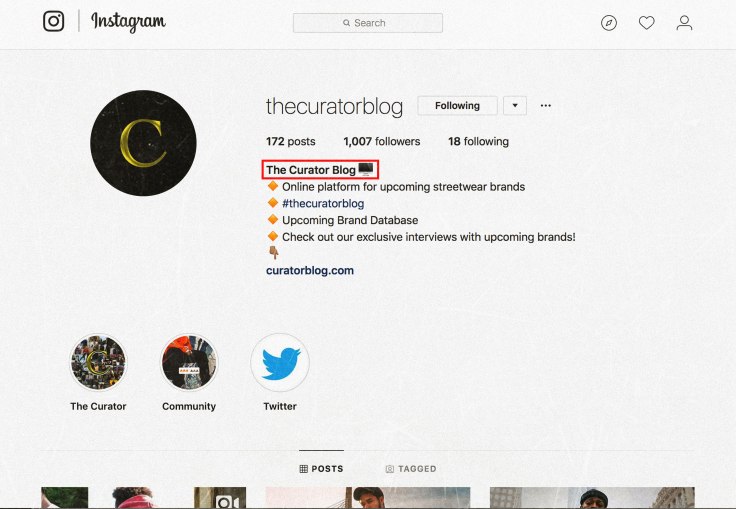
Name Line
There is a line where you can enter your name at the top of your bio where it displays in bold. Take advantage of this since it is in bold and will most likely be seen first by many people. Currently mine has The Curator’s contact email in it. Soon I am going to be changing it to another pitch about what The Curator is because I care more about people knowing what it is than I do about people knowing how to email me. Put whatever you want in your name line, but choose wisely and be strategic. Also keep in mind that the name line is used when people search for users on Instagram, so using something other than your brand’s name can potentially be harmful.
Follow these steps and also look at big accounts that are similar to yours and you should be fine. Just make sure your profile is simple and straightforward. People should be able to easily understand who you are and what you do right away.
Listen to the full article here:
 The Curator
Leave a comment